Overview
Container Isolation runs each project in its own LXC container — a lightweight virtual environment with dedicated file system, network stack, and services. Unlike shared hosting where projects compete for resources and can interfere with each other, containers provide complete isolation while using far fewer resources than traditional VMs.
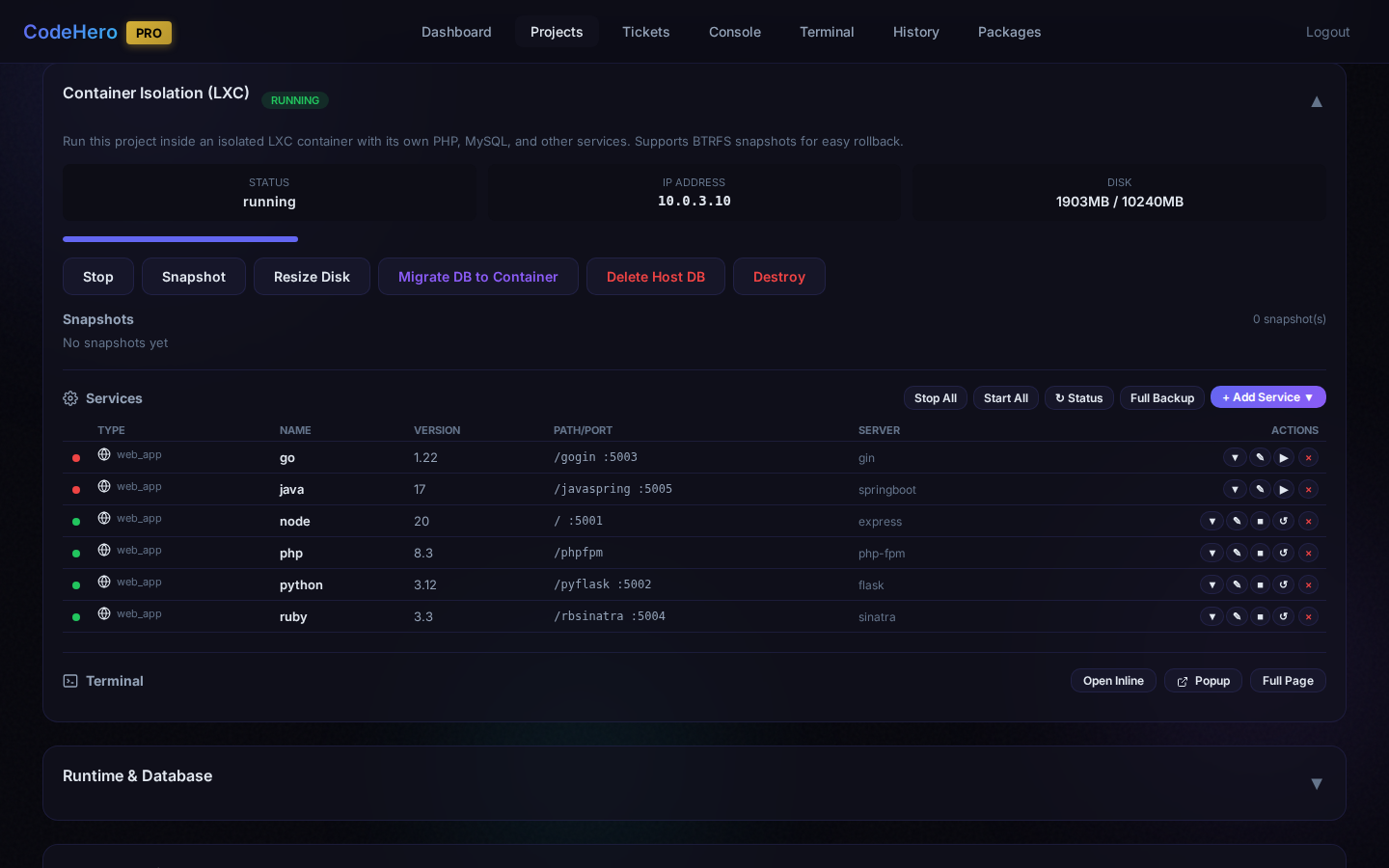
The Service Manager (v4.6.3) adds a built-in catalog of web runtimes, databases, and caches that can be installed with a single click. Services are fully managed: auto-configured nginx, generated start/stop scripts, systemd integration, database backup/restore, and password management — all from the web UI.
Architecture
Supported Services
Web Application Runtimes
| Language | Versions | Frameworks / Servers | Type |
|---|---|---|---|
| PHP | 7.4, 8.0, 8.1, 8.2, 8.3, 8.4 | php-fpm, Laravel, Symfony, WordPress | FastCGI |
| Python | 3.8, 3.9, 3.10, 3.11, 3.12, 3.13 | Flask, Django, FastAPI, Gunicorn, uWSGI | Proxy |
| Node.js | 18, 20, 22 | Express, NestJS, Next.js, PM2 | Proxy |
| Go | 1.21, 1.22, 1.23 | Gin, Echo, Fiber | Proxy |
| Ruby | 3.2, 3.3, 3.4 | Puma, Rails, Sinatra | Proxy |
| Java | 8, 11, 17, 21 | Spring Boot, Tomcat | Proxy |
| .NET | 6.0, 7.0, 8.0, 9.0, 10.0 | Kestrel | Proxy |
/ for PHP, /api for Python).Databases
| Database | Versions | Port | Backup Format | Management Tool |
|---|---|---|---|---|
| MySQL | 5.7, 8.0, 8.4 | 3306 | SQL dump | phpMyAdmin |
| MariaDB | 10.11, 11.4 | 3306 | SQL dump | phpMyAdmin |
| PostgreSQL | 14, 15, 16, 17 | 5432 | pg_dump | pgAdmin |
| MongoDB | 8.0 | 27017 | Binary (mongodump) | Mongo Express |
| MSSQL | 2022, 2025 | 1433 | Binary (.bak) | — |
Caches
| Cache | Version | Port | Persistence |
|---|---|---|---|
| Redis | 7 | 6379 | RDB snapshots (backup/restore supported) |
| Memcached | 1.6 | 11211 | None (memory only) |
Key Features
One-Click Install
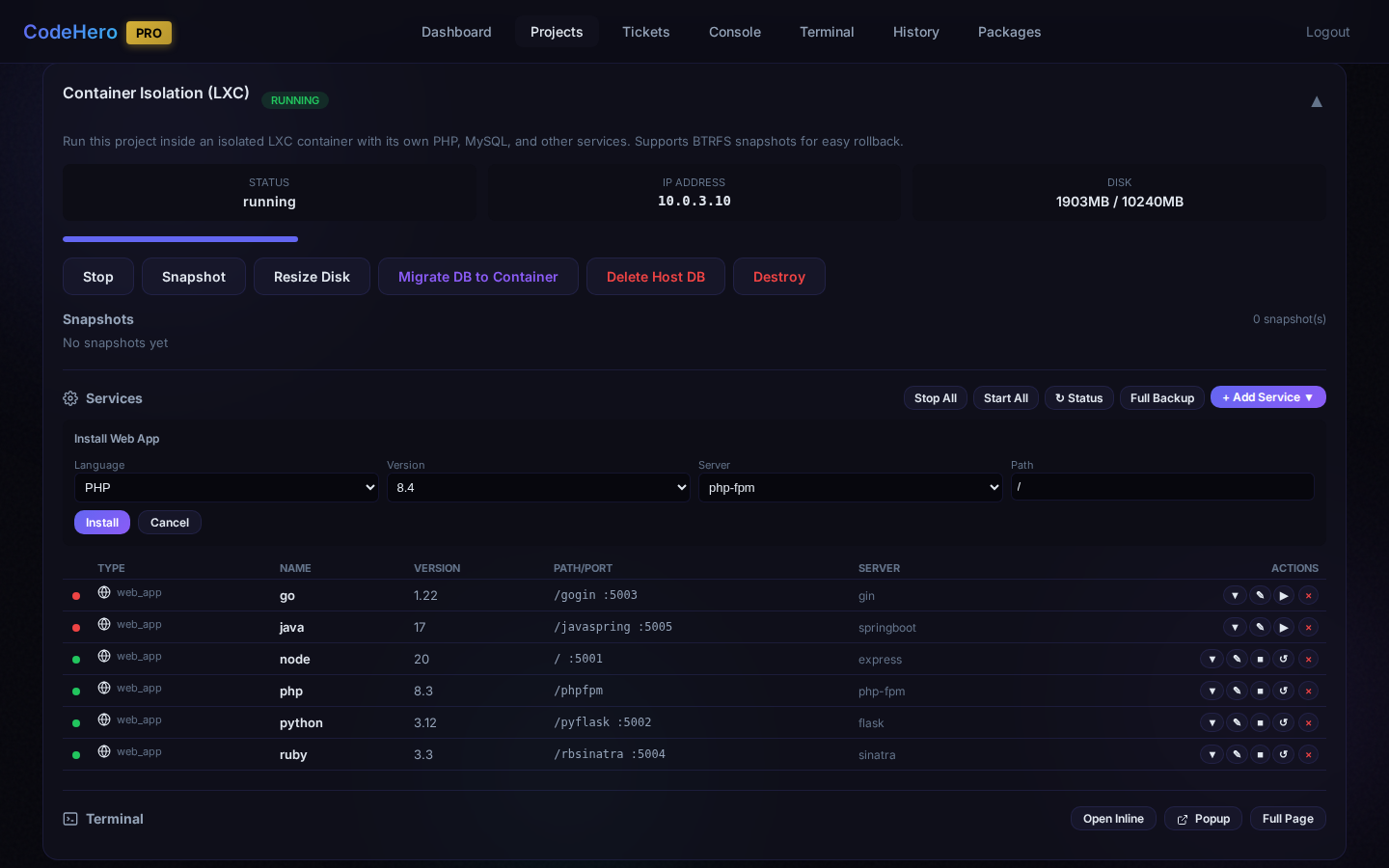
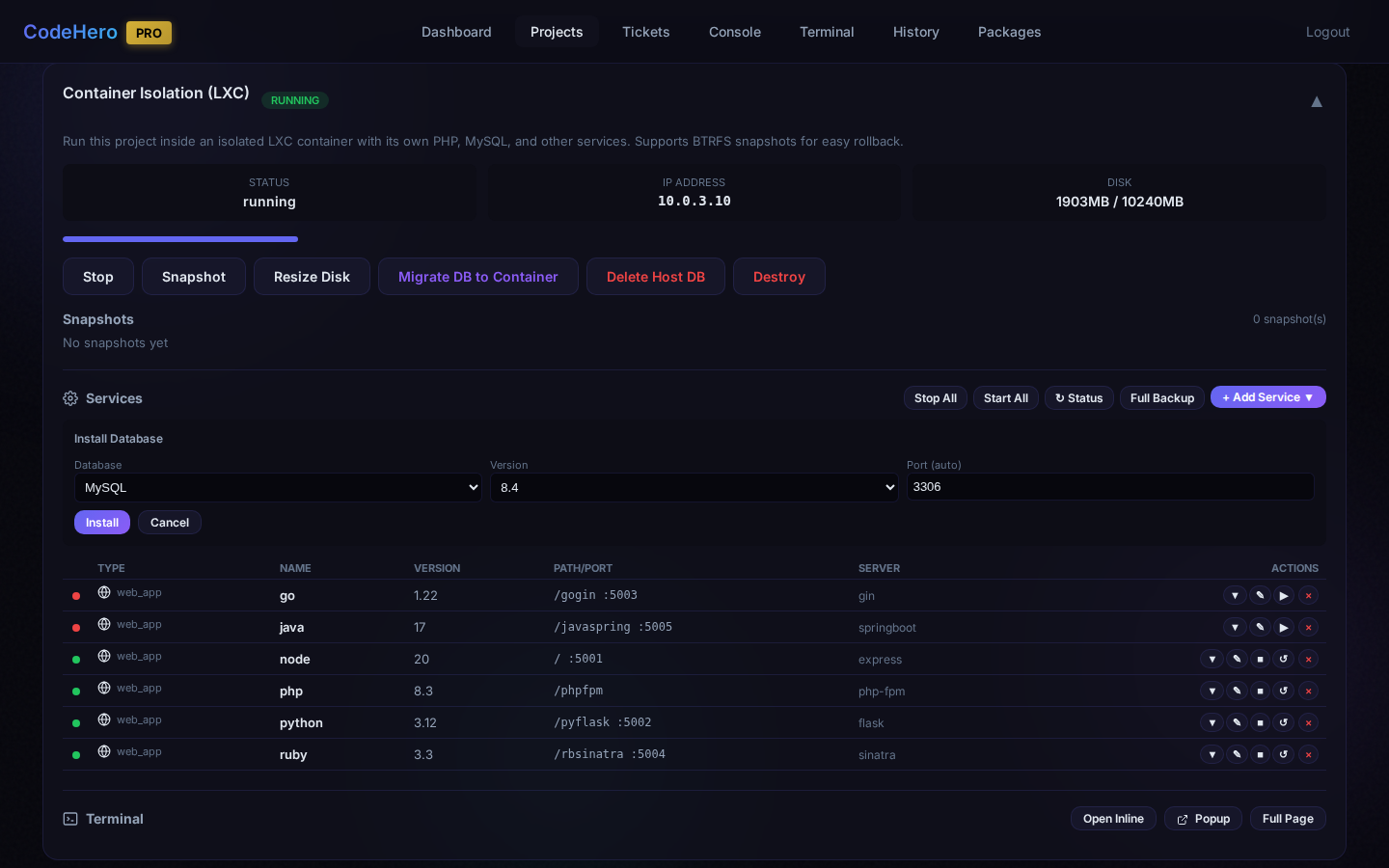
Select language, version, and framework from the catalog. The installer handles runtime setup, directory structure, nginx config, systemd service, and start/stop scripts automatically.
Service Lifecycle
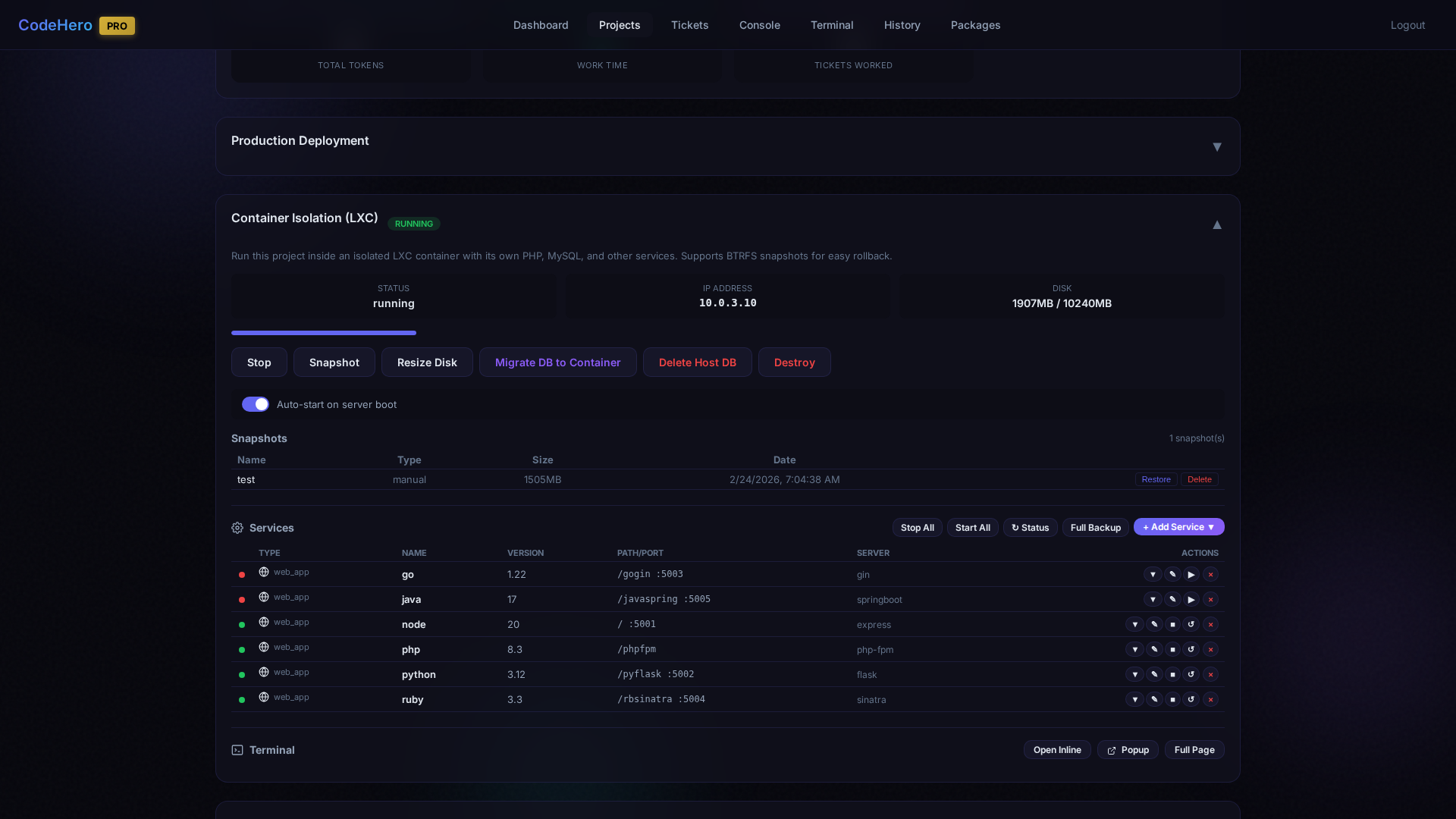
Start, stop, restart, and delete services from the web UI. Bulk actions let you control all services at once. Status indicators show which services are running.
Auto-Generated Scripts
Every installed service gets auto-generated start/stop scripts, systemd unit files, and nginx proxy configuration. No manual configuration needed.
Database Backup & Restore
Native backup format for each database (mysqldump, pg_dump, mongodump, MSSQL .bak). Timestamped files with download and one-click restore.
Password Management
Database credentials are auto-generated during installation. Change passwords anytime — connection scripts and backup scripts are automatically updated.
Auto-Start on Boot
Configure services to start automatically when the container boots. Ideal for production-like environments where services must always be available.
BTRFS Snapshots
Instant copy-on-write snapshots that capture the entire container state including all files, databases, and configuration. Databases are automatically flushed before snapshot.
Web Terminal
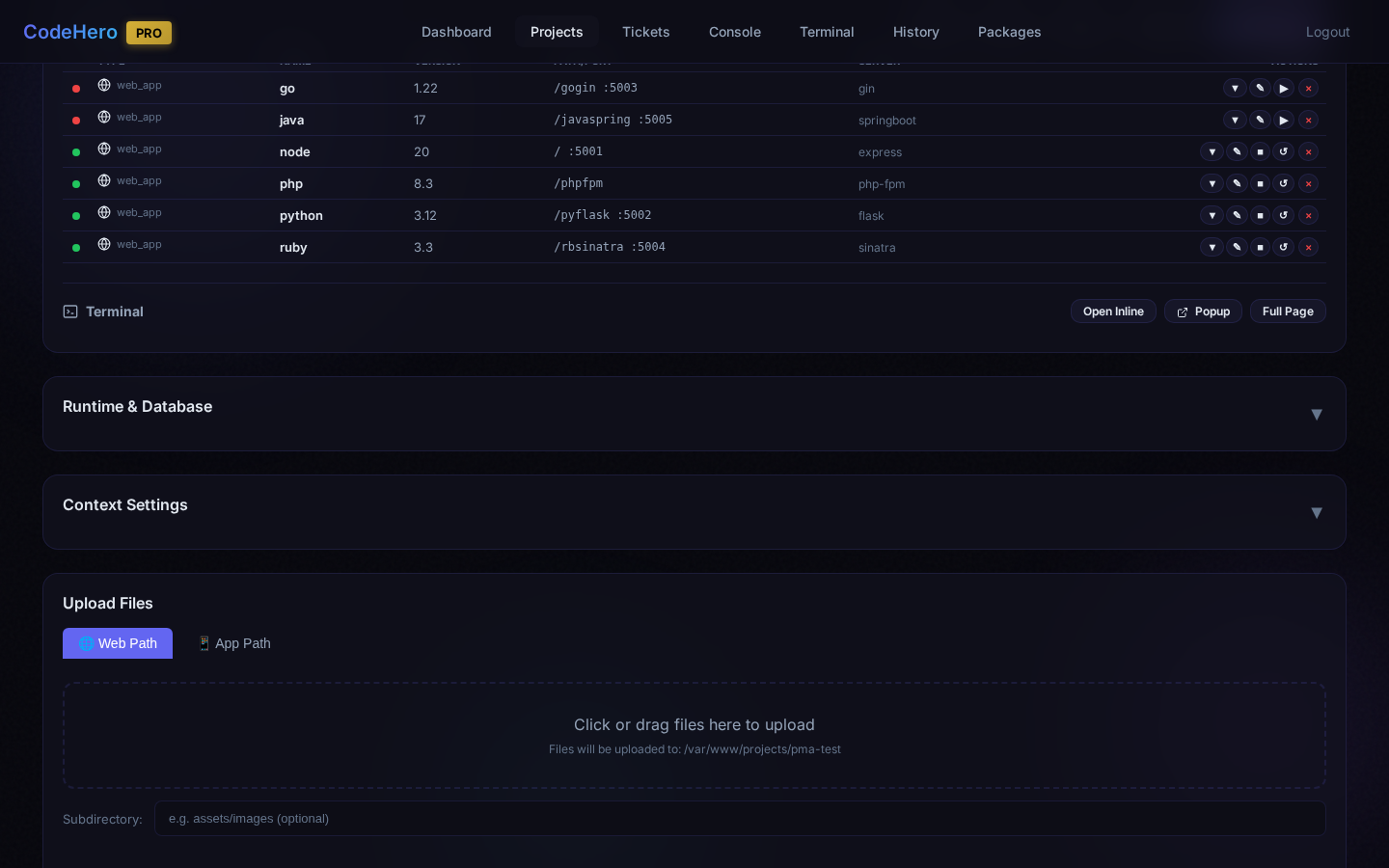
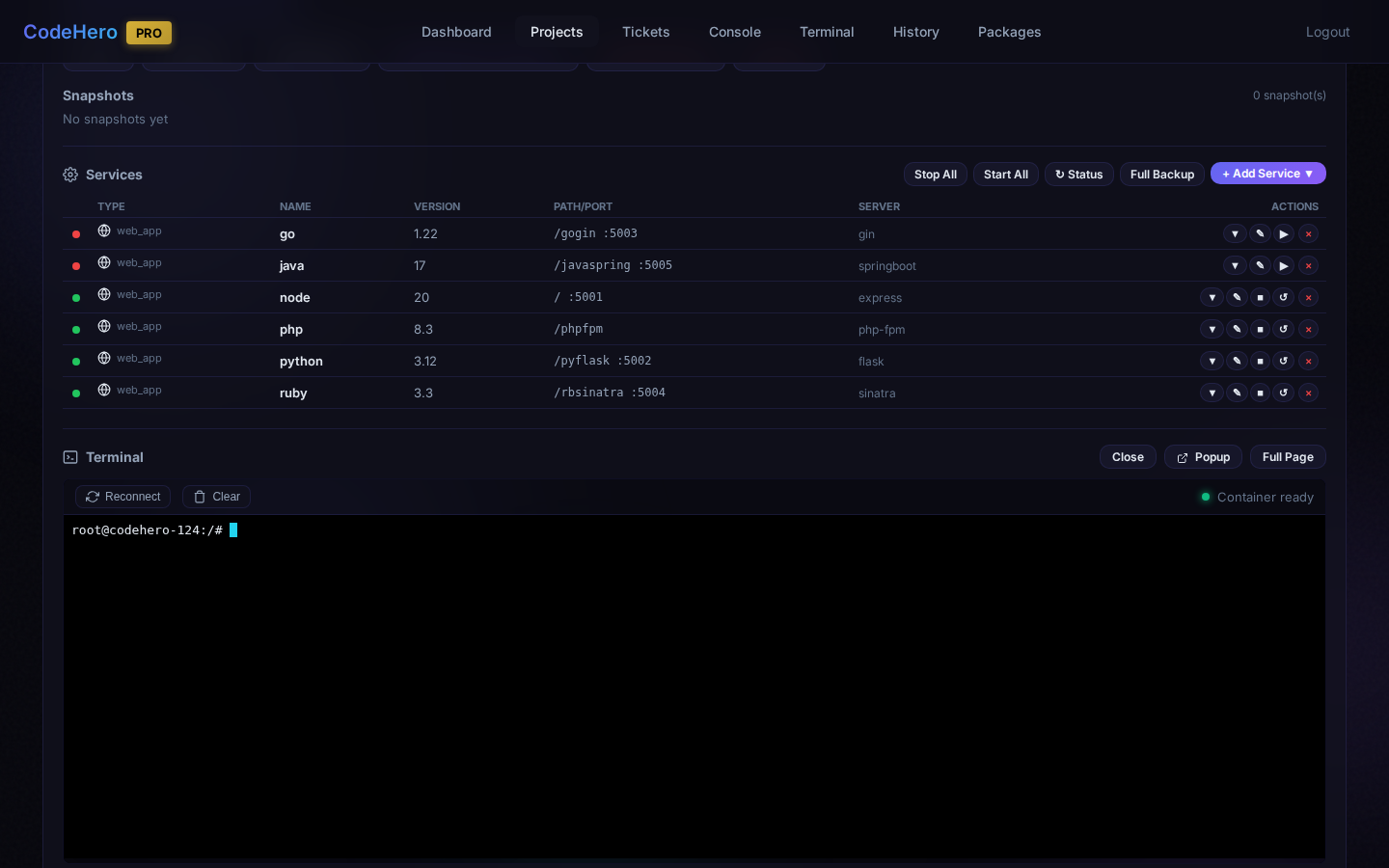
Full shell access inside the container via xterm.js. Three modes: inline (embedded), popup (new window), and full page. Copy/paste support included.
Screenshots
Use Cases
Multi-Tenant Isolation
Run client projects in separate containers so they cannot interfere with each other. Each client gets their own PHP version, database, and configuration without any risk of cross-contamination.
Version Conflict Resolution
Need PHP 7.4 for a legacy project and PHP 8.3 for a new one? Containers let you run any combination of language versions without conflicts. Multiple Node.js, Python, or .NET versions coexist naturally.
Production-Like Environments
Set up a container that mirrors your production stack: specific language version + database + cache. Use auto-start to keep services running. BTRFS snapshots provide instant rollback if something goes wrong.
Safe Experimentation
Create a snapshot before making risky changes. If the experiment fails, restore the snapshot in under a second. This is particularly valuable when AI agents are making complex multi-file changes.
Comparison with Alternatives
| Feature | CodeHero Containers | Docker | Traditional VMs | Shared Hosting |
|---|---|---|---|---|
| Setup Complexity | One click | Dockerfile + compose | Full OS install | None |
| Resource Overhead | Minimal | Minimal | High (full OS) | None |
| Project Isolation | Full | Full | Full | None |
| Persistent State | Native | Volumes needed | Native | Native |
| Instant Snapshots | BTRFS (<1s) | No native | VM snapshots (slow) | No |
| Service Catalog | Built-in (30+) | Docker Hub images | Manual install | Pre-configured |
| Web Management UI | Full UI | Portainer (extra) | Various panels | cPanel/Plesk |
| DB Backup/Restore | One click | Manual/scripts | Manual/scripts | Panel dependent |
| Web Terminal | Built-in | docker exec | SSH | Limited |
| AI Integration | Native (tickets) | None | None | None |